
FAQ · AI upscale
How we built Premium AI Upscale
There are two ways to upscale an image here. Fast finishes a typical order in minutes and is great for graphics, screenshots and previews. Premium takes hours for a typical order and is built for one thing: the best 4x result we can make, inventing as little as possible and faking nothing. Where it still invents detail, this page says so.
This page shows how we tested Premium, what we compared, and every decision that shaped it. You can check each claim yourself in the comparison tables below.
On this page26
- Fast or Premium?
- How we test an upscaler
- The measurements, in plain words
- Comparison 1: a video frame from a 4K video
- Comparison 2: a magazine cover
- Comparison 3: a video still with a small face
- Comparison 4: a natural photo
- Comparison 5: a phone photo with an upside-down face
- Comparison 6: an outdoor photo with a watermark
- Comparison 7: a dim phone photo
- Comparison 8: a soft webcam frame
- The detail pass: restore first, then upscale
- Decisions we made
- Honest 4x, always
- One native 4x pass for the whole image, not 2x twice
- A bigger model was not better
- Faces get a dedicated restorer
- The blend never touches the rest of the image
- Tile sizes you cannot see
- Exact 4x, even when the restorer rounds
- The face pass runs only on a real face
- Colours stay neutral
- Where Premium still falls short
- The Premium pipeline, step by step
- How long an order takes
- Questions
Fast or Premium?
| Fast | Premium | |
|---|---|---|
| Time for a typical order | Minutes | Hours |
| Faces | Sharpened by the same single pass | Restored by a dedicated face restorer |
| Skin, hair, fine texture | Smoothed, can look painted | Kept |
| Graphics, logos, text | Very crisp | Clean |
| Scale | Exact 4x | Exact 4x |
| Best for | Graphics, screenshots, quick previews | Photos, portraits, anything you want to print or keep |
How we test an upscaler
- Same image, same regions. We pick the parts of an image where upscalers disagree the most: the face, the eyes, the lips, large areas of skin, hair against the background, text and logos, and small textures like water droplets, sequins or jewellery.
- Zoom to 100%. At normal size most upscalers look alike. The differences (cracked skin, invented lashes, tile patterns) only show up close.
- Keep the original next to every result. It is the only fair reference. On one test cover, a glow around the model's face looked like an upscaling artifact; the original showed it was part of the design.
- Measure, then look again. Every claim in our tables is backed by a number, and every number is checked by eye.
- Rank by fixed rules, in this order:
- Nothing invented: no texture, lashes, glitter or patterns that are not in the original.
- Small features stay true: eye reflections, lip colour and skin tone match the original.
- Sharpness, only after the first two. A sharper result that invents detail ranks lower.
- Consistent across the whole frame: no seams, tile patterns or patches.
- Cost: time and memory.
The measurements, in plain words
- Eye reflection. How much brighter the small reflection in the eye is than the iris around it, on a 0-255 brightness scale, measured where the original has it. Close to the original is right. Far above it means the reflection was overblown.
- Fine-detail score. The average difference between an image and a slightly blurred copy of itself. Higher means more fine texture. Invented texture also scores high, so this number is never read on its own.
- Glow check. Whether the original has a see-through fringe around the person (typical of a pasted cut-out). We measure how much of the person's colour leaks into the background at each pixel of distance from the edge. A designer glow reads about 0.3 at 2 px; a natural photo edge reads about 0.02.
Comparison 1: a video frame from a 4K video
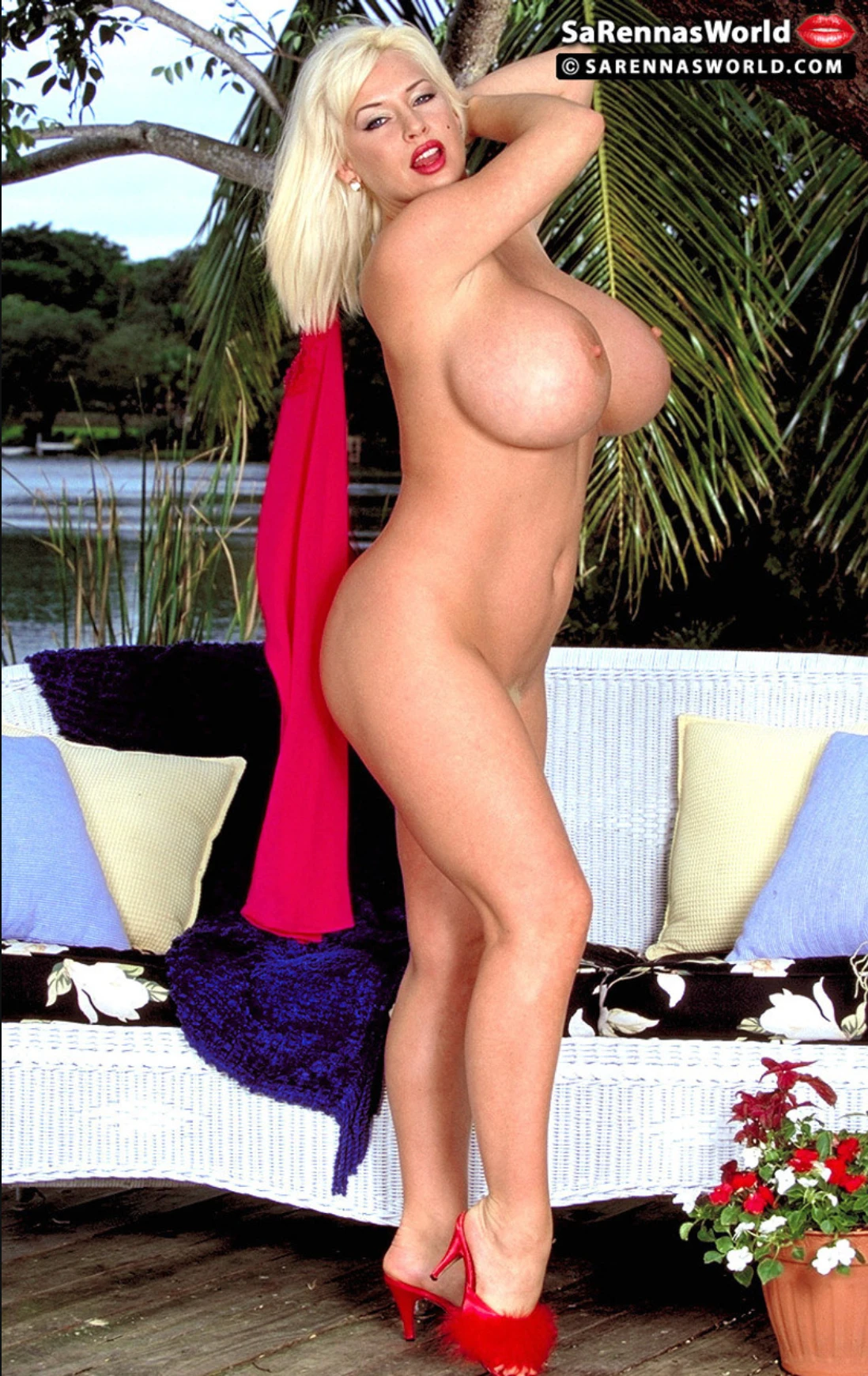
Video frame from a 4K video1098×1740 → 4384×6946 (3.99x in this test, 30 MP)
A frame from a 4K video: a 150 px face with freckles and grain, a two-line web watermark over tree bark, palm fronds, a white wicker sofa, a chenille throw, flowers and smooth skin. Repeating textures like wicker and knit are where upscalers invent structure.
Whole image: Original vs Premium

 100%
 100%
 100%
 100%
 100%
- PremiumChosen. Keeps the freckles and eyeliner of the original and adds nothing.
- AlternativeRestyles the face as glamour retouching: false lashes, glossier lips, freckles removed.
- No face passAt 150 px the face is already close to Premium; the face pass changes less here than on smaller faces.
- FastInvents structure in repeating textures: the wicker becomes a grid of little windows and the chenille becomes leaves.
Measurements4 notes
- Size: in this test the whole-image pass came out 4384×6946, 3.99x instead of 4392×6960. The restorer works in steps of 16 px, and when 4x an edge is not a multiple of 16 it rounds down and rescales the rest. The Fast row and the face tiles are exact 4x (the face tiles were resampled by 2 px to fit). Premium pads the upload to the next step and crops the result back, so the delivered image is exactly 4x.
- Face pass: 1.09% of the frame changes, and every pixel outside the face outline is identical to the whole-image pass. Inside the face box, Premium moves 8% of the pixels by more than 8 brightness levels; the face tile restored twice moves 15%.
- Eye reflection over the iris (left / right): original +177 / +169 · Premium +206 / +211 · face tile twice +216 / +223 · no face pass +207 / +213 · Fast +219 / +228. Every row brightens the reflections; Premium the least.
- Colour: the upload carries a Display P3 profile. Every crop is shown in sRGB; after conversion neither row shifts the colour.
What this comparison decided
- The face pass wins even at 150 px, though by less than on smaller faces: it keeps the freckles and eyeliner closest to the original, while the twice-restored tile adds false lashes.
- Fast invents structure in repeating textures. Wicker became a grid of little windows and a knit throw became leaves.
- Exact 4x needs padding. Here the whole-image restorer rounded the size down to 3.99x (see "Decisions we made").
Comparison 2: a magazine cover
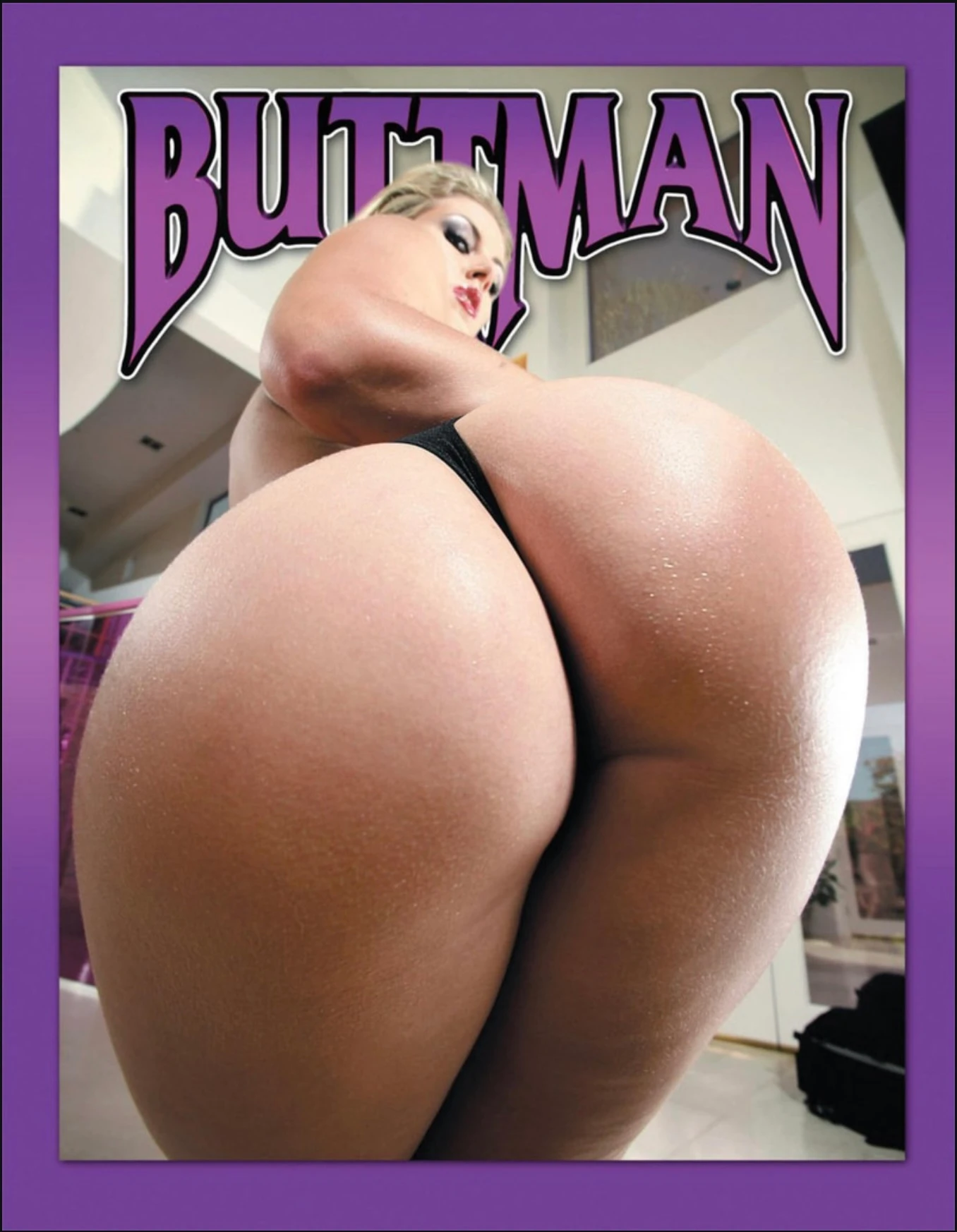
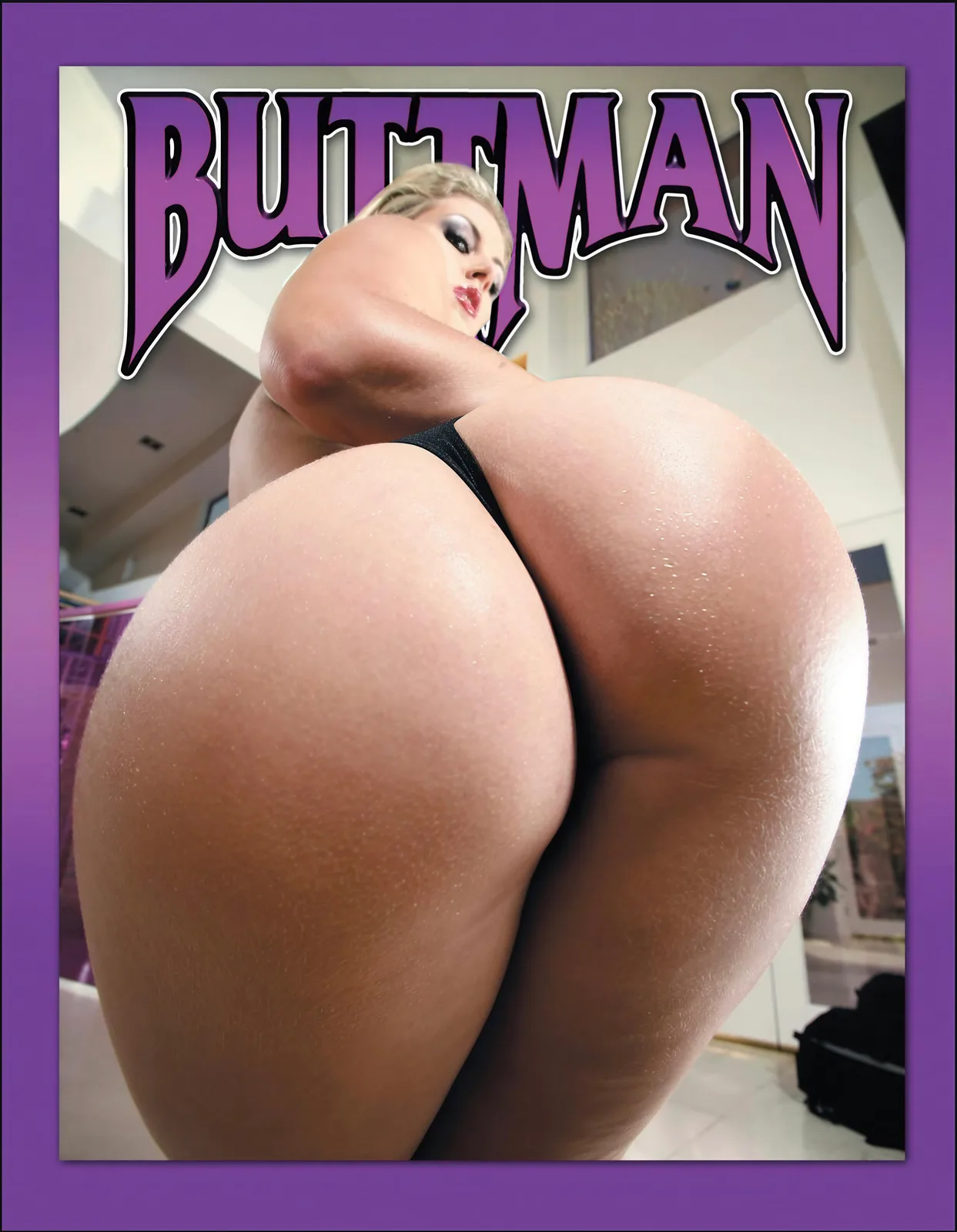
Magazine cover1356×1746 → 5424×6984 (exact 4x, 38 MP)
A compressed cover image: a small, soft face (183 px wide), a glossy logo, skin with water droplets, and a pasted cut-out whose edge carries a see-through glow from the original design.
Whole image: Original vs Premium
 100%
 100%
 100%
 100%
 100%
- PremiumChosen: a natural eye with lashes, skin texture kept, and the cut-out glow removed.
- AlternativeThe sharpest face, but the eye reflection is overblown (+220, 2.5x the original) and the eyeshadow gets invented glitter.
- No face passNatural skin, but a soft face, and the original's glow stays.
- FastMuch faster and the crispest on graphics, but it airbrushes skin, invents streaks and keeps the glow.
Measurements4 notes
- Every row is an exact 4x output: 1356×1746 in, 5424×6984 out. Nothing is resized to reach 4x. The Original row is enlarged with plain Lanczos resampling, for display only.
- Glow check: the cover has a see-through glow around the pasted cut-out (0.31 at 2 px and 0.09 at 4 px from the edge; natural photos read about 0.02). Premium removes it by un-mixing the fringe colour from the background; the other rows keep it.
- Eye reflection: the original's reflection is +89 over the iris. Premium sharpens it to +179; the twice-restored face overblows it to +220. The right eye is hidden and not measured.
- Fine detail (Fast vs Premium): elbow skin 0.43 vs 1.58, logo 4.17 vs 2.98, droplet skin 1.81 vs 0.63. The droplet number is higher for Fast because of invented streaks, not real detail, which is why every number is checked by eye at 100%.
What this comparison decided
- Glow removal runs only when the glow is measured. This cover has a see-through glow around the cut-out (0.31 at 2 px from the edge). Premium removes it; natural photos are left untouched.
- Invented glitter and overblown reflections rule a result out, even when it is the sharpest one.
- Fast is the crispest on logos, and that is exactly what it is for. On skin it wipes 73% of the texture and invents streaks.
Comparison 3: a video still with a small face
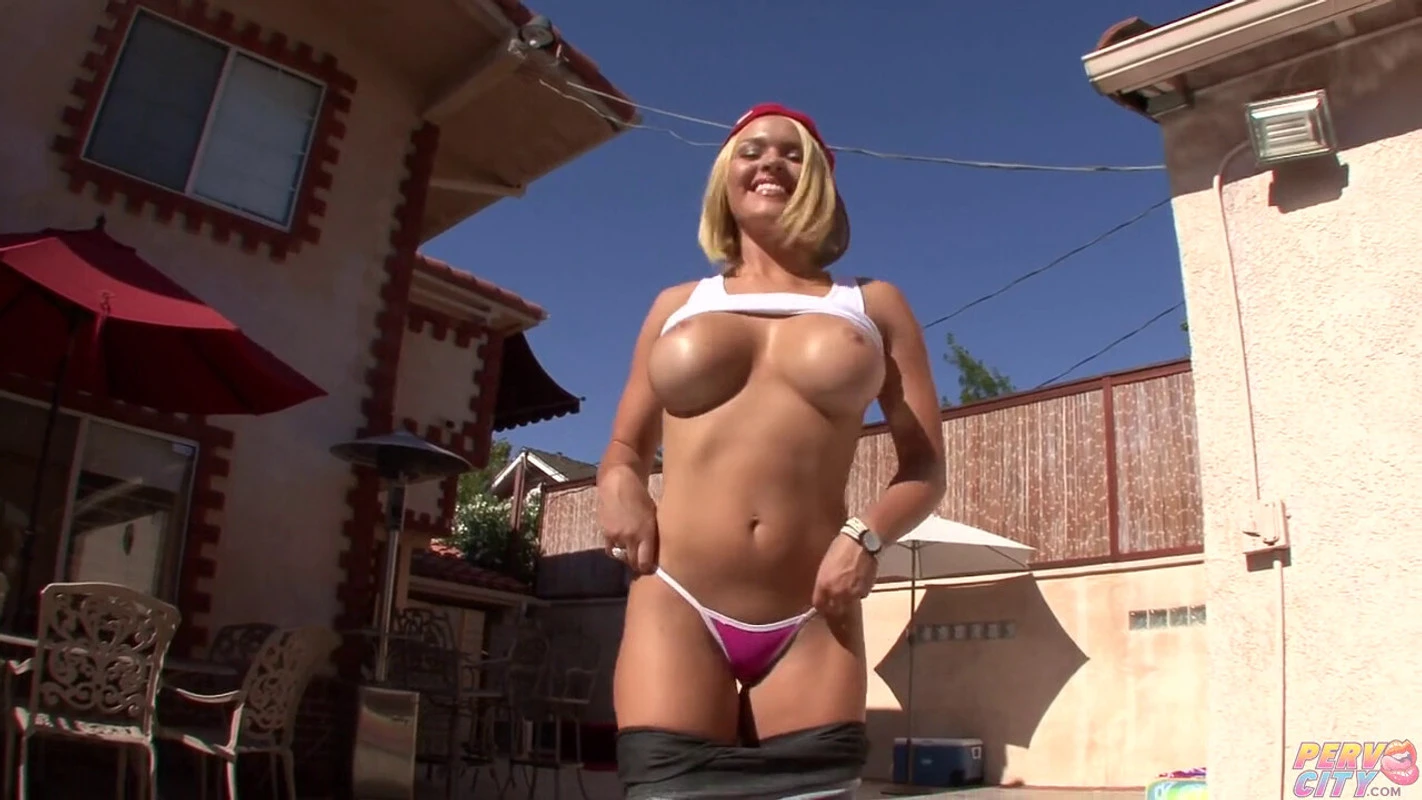
Video still1422×800 → 5688×3200 (exact 4x, 18 MP)
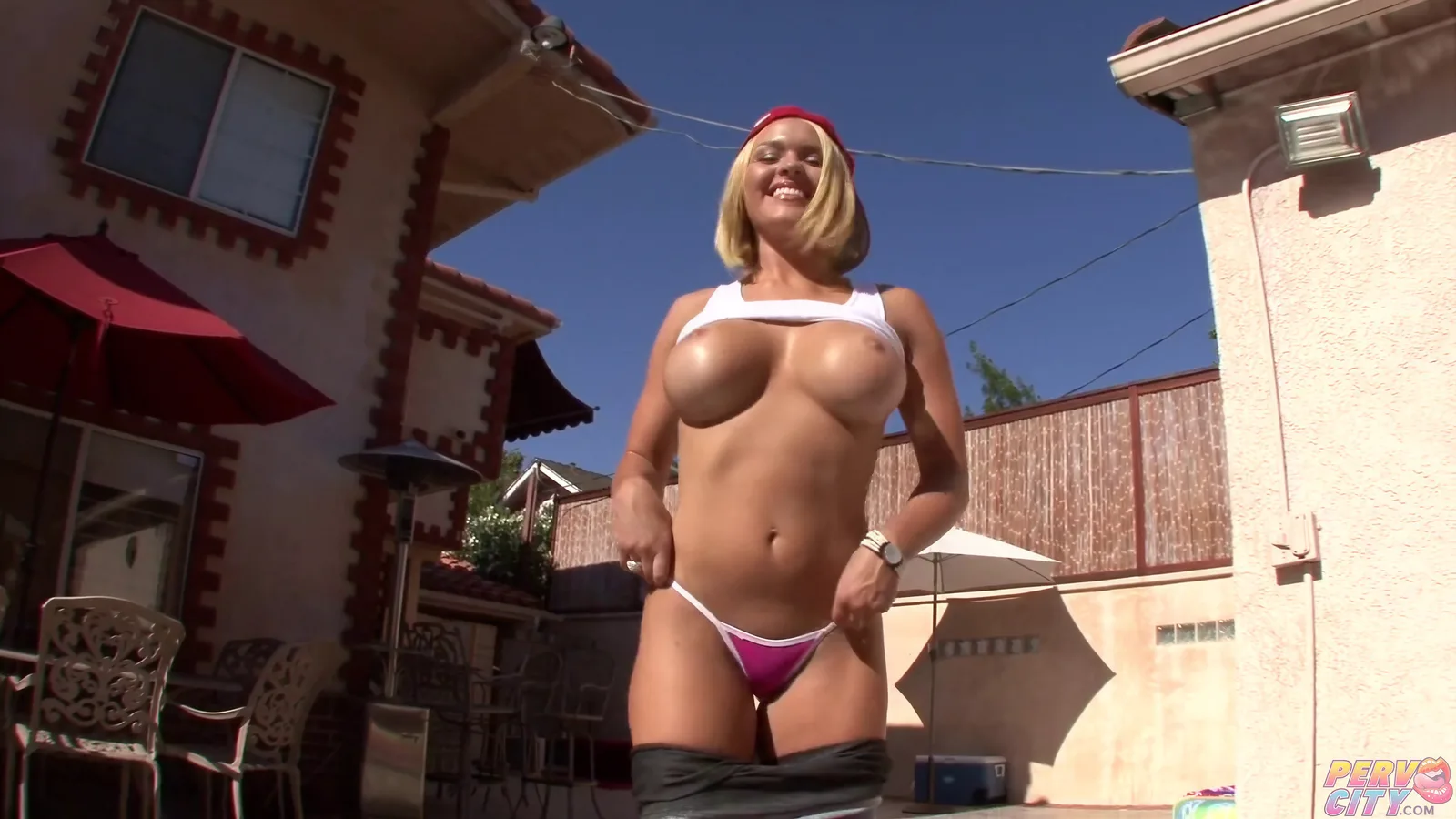
A frame from a video: an 83 px face (tiny for an upscaler), a gradient logo over a stucco wall, a watch, cast-iron scrollwork, a reed fence, thin wires against the sky and flat stucco carrying faint colour noise from video compression. Each column zooms into one of those regions at the same spot in every row.
Whole image: Original vs Premium
 100%
 100%
 100%
 100%
 100%
- PremiumChosen. The soft band becomes separate teeth and clean lips, and nothing is added to the face.
- AlternativeInvents features on a small face: two white dots on the upper lip, a red gum line and blotchy, painted-looking cheeks.
- No face passClean everywhere but the face: the teeth stay one soft band, so a face this small needs the face pass.
- FastMuch faster, but it turns the reed fence into painted planks and leaves the face waxy.
Measurements4 notes
- Every row is an exact 4x output: 1422×800 in, 5688×3200 out. The face tile is 152 px, restored to 304 and then 608 px. The Original row is enlarged with plain Lanczos resampling, for display only.
- Face pass: 0.69% of the frame changes, and every pixel outside the face outline is identical to the whole-image pass. Inside the face box, Premium moves 13% of the pixels by more than 8 brightness levels; the face tile restored twice moves 21%.
- The eyes are closed in a smile, so there is no eye reflection to measure.
- Stucco: the faint pink blotches in the original come from video compression. Every row from the whole-image restorer redraws them as crisp pink dashes (fine detail 1.61, against 0.31 in the original); Fast smooths them instead (0.86).
What this comparison decided
- The smaller the face, the more the face pass matters. At 83 px the whole-image pass leaves the teeth as one soft band; Premium's face pass separates them without adding anything.
- Restoring the face tile twice invents features on small faces: two white dots on the lip and a red gum line that are not in the frame.
- Video compression noise is a weak spot. The whole-image restorer turns faint colour blotches on a wall into a crisp dash pattern.
Comparison 4: a natural photo
Natural photo2516×1672 → 10064×6688 (exact 4x, 67 MP)
A soft portrait photo with detail that upscalers struggle with: a small face (247 px wide), rings and a bracelet, a sequinned choker, hair against a busy background, hand-written text and large areas of smooth skin. Each column zooms into one of those regions at the same spot in every row.
Whole image: Original vs Premium


 100%
 100%
 100%
 100%
 100%
- PremiumChosen. Eyes, eyeliner and teeth stay true to the original, and nothing is invented.
- AlternativeThe sharpest face, but it restyles it: invented mascara lashes, glossier lips, and a left eye reflection 1.5x the original.
- No face passNot good enough on its own: teeth break into fragments and the lash line turns into dots. This is why Premium has a face pass.
- FastMuch faster and sharp on edges, but waxy: 31% less skin texture, and sequins and hair turn into flat paint.
Measurements5 notes
- Every row is an exact 4x output: 2516×1672 in, 10064×6688 out. Nothing is resized to reach 4x. The Original row is enlarged with plain Lanczos resampling, for display only.
- Eye reflection: how much brighter the reflection in the eye is than the iris around it (0-255 brightness levels), measured where the original has it. Close to the original is right; far above it means the reflection was overblown.
- Face pass: 0.91% of the frame changes, and every pixel outside the face outline is identical to the whole-image pass. The blend happens inside the face outline, and the colour is matched in the blend ring (offset before matching: 0.43/255).
- Glow check: this photo has no see-through fringe around the person (0.019 at 2 px from the edge), so no glow removal is applied.
- Fine detail (Fast vs Premium): skin 0.58 vs 0.85, choker 1.41 vs 1.68. The score is the average difference between an image and a slightly blurred copy of itself; invented texture also scores high, so every number is checked by eye at 100%.
What this comparison decided
- The face needs its own pass. On its own, the whole-image restorer breaks the teeth into fragments and turns the lash line into dots.
- The sharpest face is not the best face. Restoring the face tile twice gives the most detail, but it adds mascara lashes and gloss that are not in the photo. Premium keeps the eyes, eyeliner and teeth as they are, and its left eye reflection is within 2 levels of the original (+124 vs +122).
- Fast paints. It is much faster, but it removes 31% of the skin texture and turns sequins and hair into flat paint.
Comparison 5: a phone photo with an upside-down face
Phone photo with an upside-down face922×1626 → 3680×6488 (3.99x in this test, 24 MP)
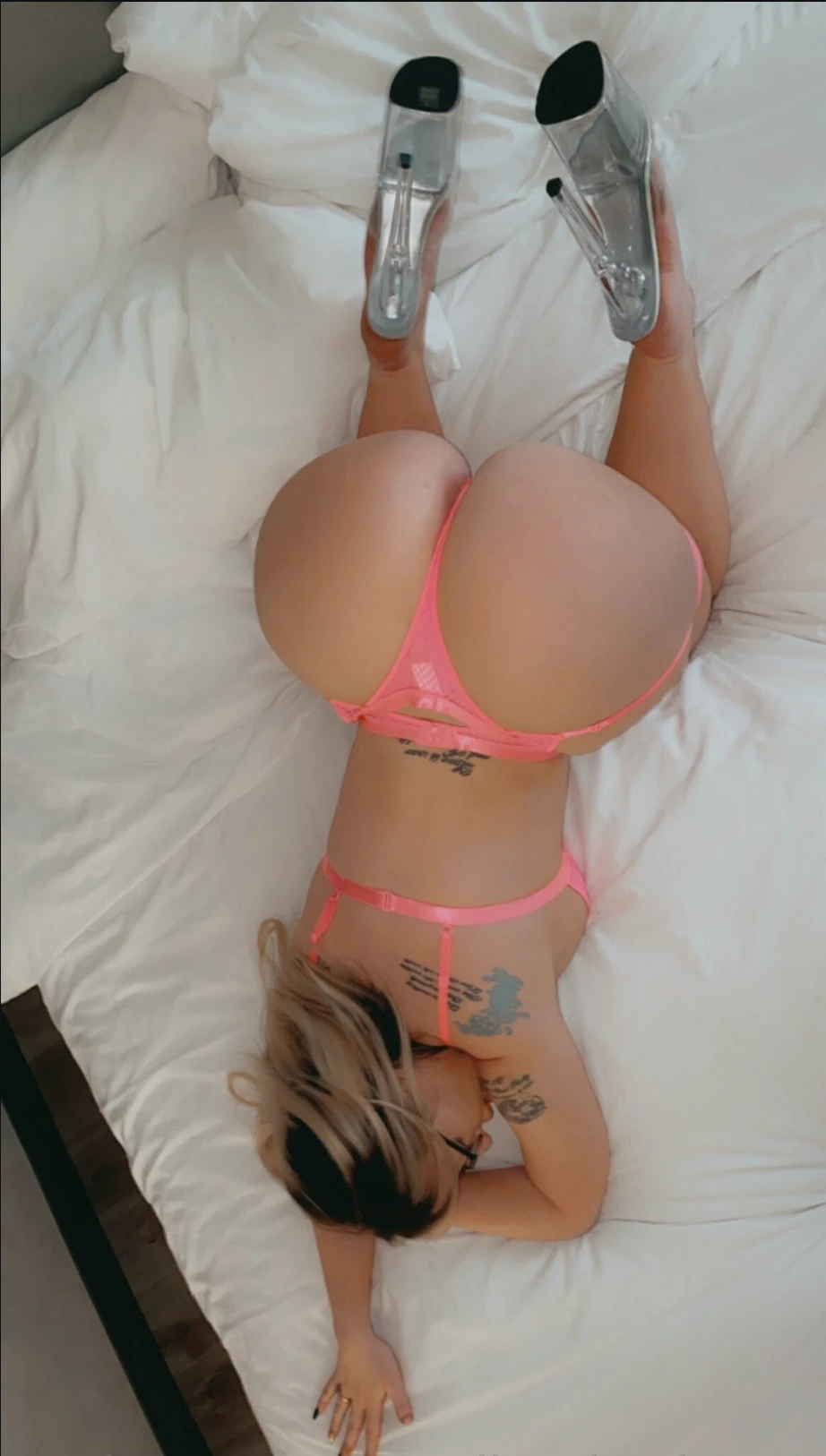
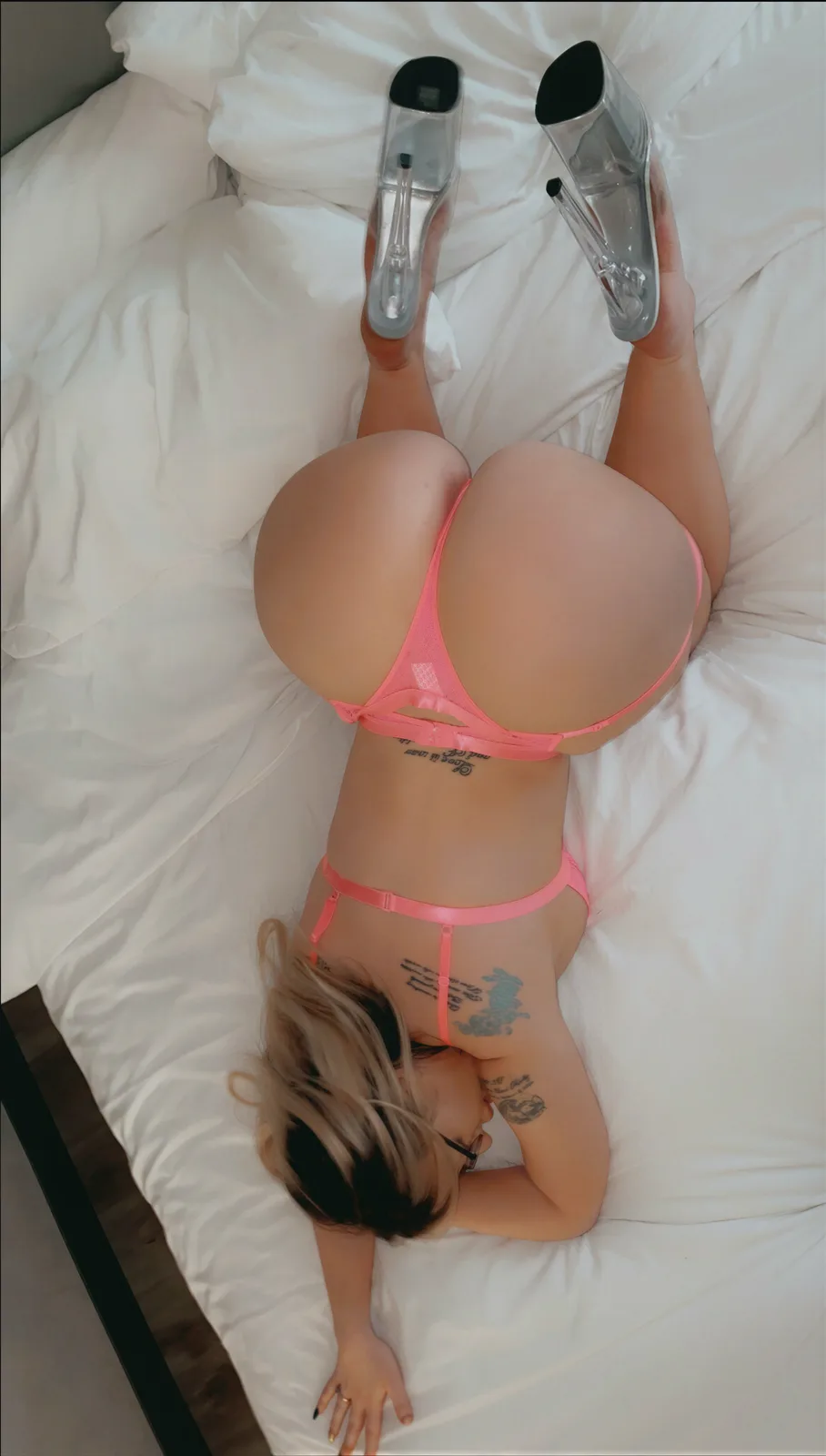
A soft phone photo taken from above: the face is upside down and mostly hidden by hair and glasses. It also has a lace panel, script tattoos, a clear acrylic heel, white bedding, a hand with a ring and blond hair.
Whole image: Original vs Premium
 100%
 100%
 100%
- PremiumChosen. Sharper everywhere and true to letters and edges; the lace panel gets more pattern than the original shows.
- FastMuch faster and clean, but plastic: fabric, hair and tattoos flatten into paint.
Measurements4 notes
- Size: 3680×6488, 3.99x instead of 3688×6504, for the same rounding as in the 4K video frame comparison. The Fast row is exact 4x.
- Face pass: the face finder reported one face, upside down and mostly hidden, with low confidence (0.59). Running the face pass anyway changed 0.06% of the frame, with no visible difference, so it is not shown.
- Lace: the original shows a smooth panel with one lighter lace patch. Premium extends a plausible lace texture across the whole panel; it looks right, but the original cannot confirm it.
- Colour: the upload carries a Display P3 profile. Every crop is shown in sRGB; after conversion neither row shifts the colour.
What this comparison decided
- The face pass needs a real face. The face finder reported an upside-down, mostly hidden face; the face pass ran anyway and changed nothing visible.
- Premium can extend a texture the original only hints at, like the lace here. It looks right, but it is not in the original, and we say so.
Comparison 6: an outdoor photo with a watermark
Outdoor photo with a watermark1200×800 → 4800×3200 (exact 4x, 15 MP)
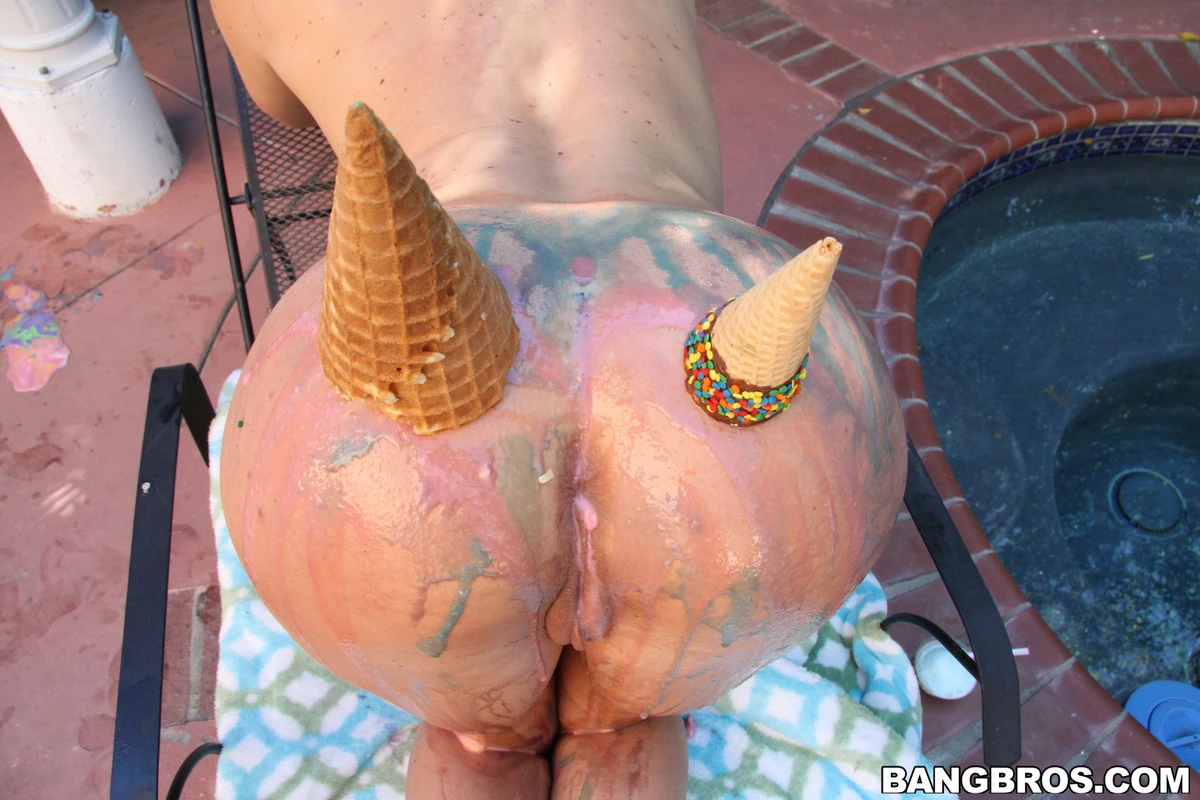
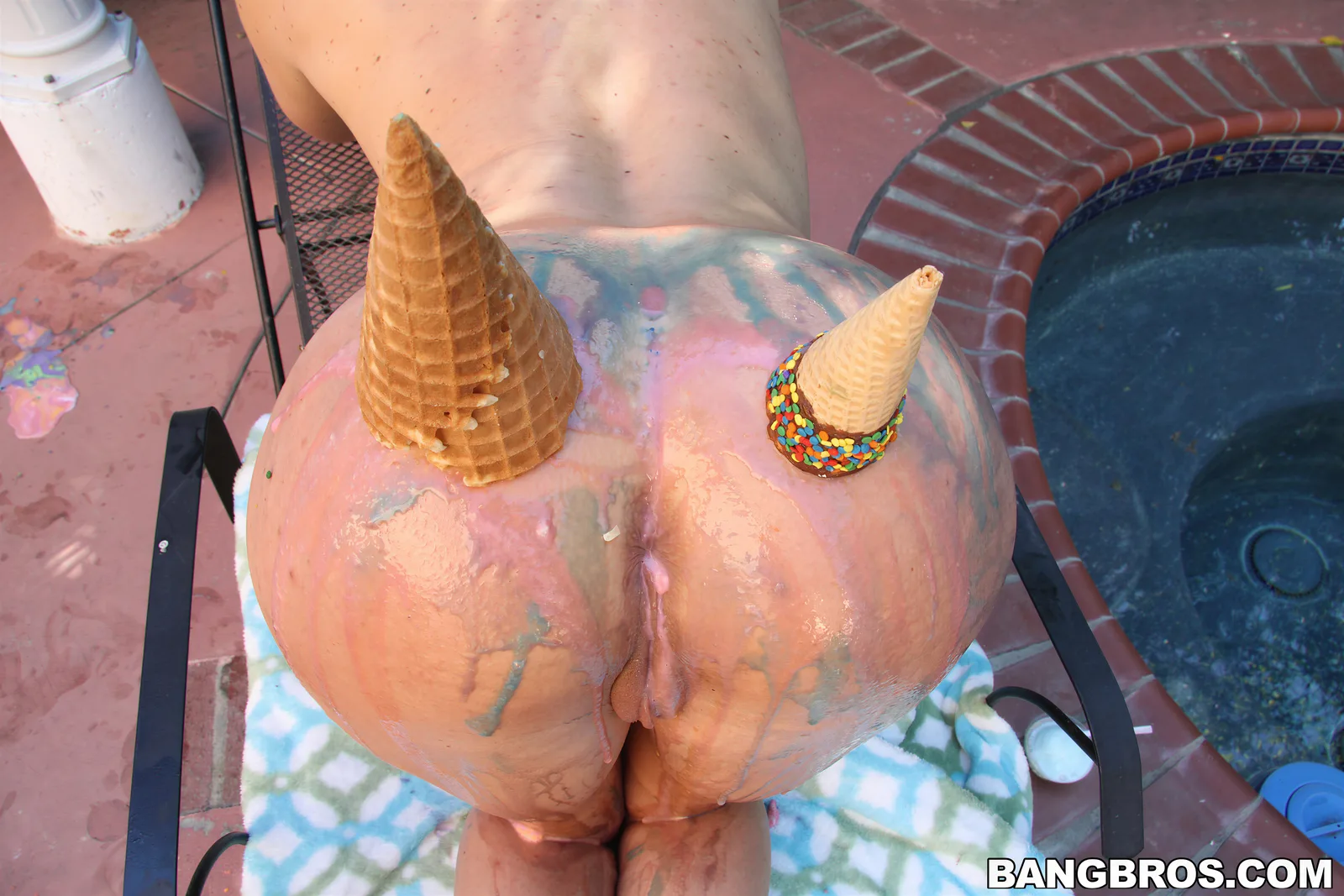
A sunny outdoor photo with no face: a bold text watermark, waffle cones, sprinkles on chocolate, out-of-focus bricks and pool tiles, a fine metal mesh, a printed towel and smeared paint.
Whole image: Original vs Premium
 100%
 100%
 100%
- PremiumChosen. Best on in-focus texture (cone, mesh, lettering); it leaves out-of-focus areas soft and adds texture to some smooth ones.
- FastMuch faster; sharpens out-of-focus areas convincingly (tiles, bricks) but warps the mesh where it crosses a shadow.
Measurements3 notes
- Every row is an exact 4x output: 1200×800 in, 4800×3200 out. The Original row is enlarged with plain Lanczos resampling, for display only.
- Out-of-focus areas: Premium keeps them soft (fine detail: pool tiles 0.93, bricks 0.65), true to the photo's depth of field; Fast sharpens them (2.18, 1.14). At 100% the Premium tiles can look blurry next to Fast.
- Added texture: the towel fibres (1.61 vs Fast 0.91) and paint flecks (1.59 vs 0.42) are not in the original. They look plausible, but they are invented.
What this comparison decided
- Premium follows the photo's focus. It does not sharpen what the camera left blurry, even where Fast's sharper guess looks better at 100%.
- Smooth printed and painted surfaces can gain invented texture, such as towel fibres and paint flecks.
- Watermarks and logos come through intact in both tiers, here and in every other comparison.
Comparison 7: a dim phone photo
Dim phone photo1148×1698 → 4592×6792 (exact 4x, 31 MP)
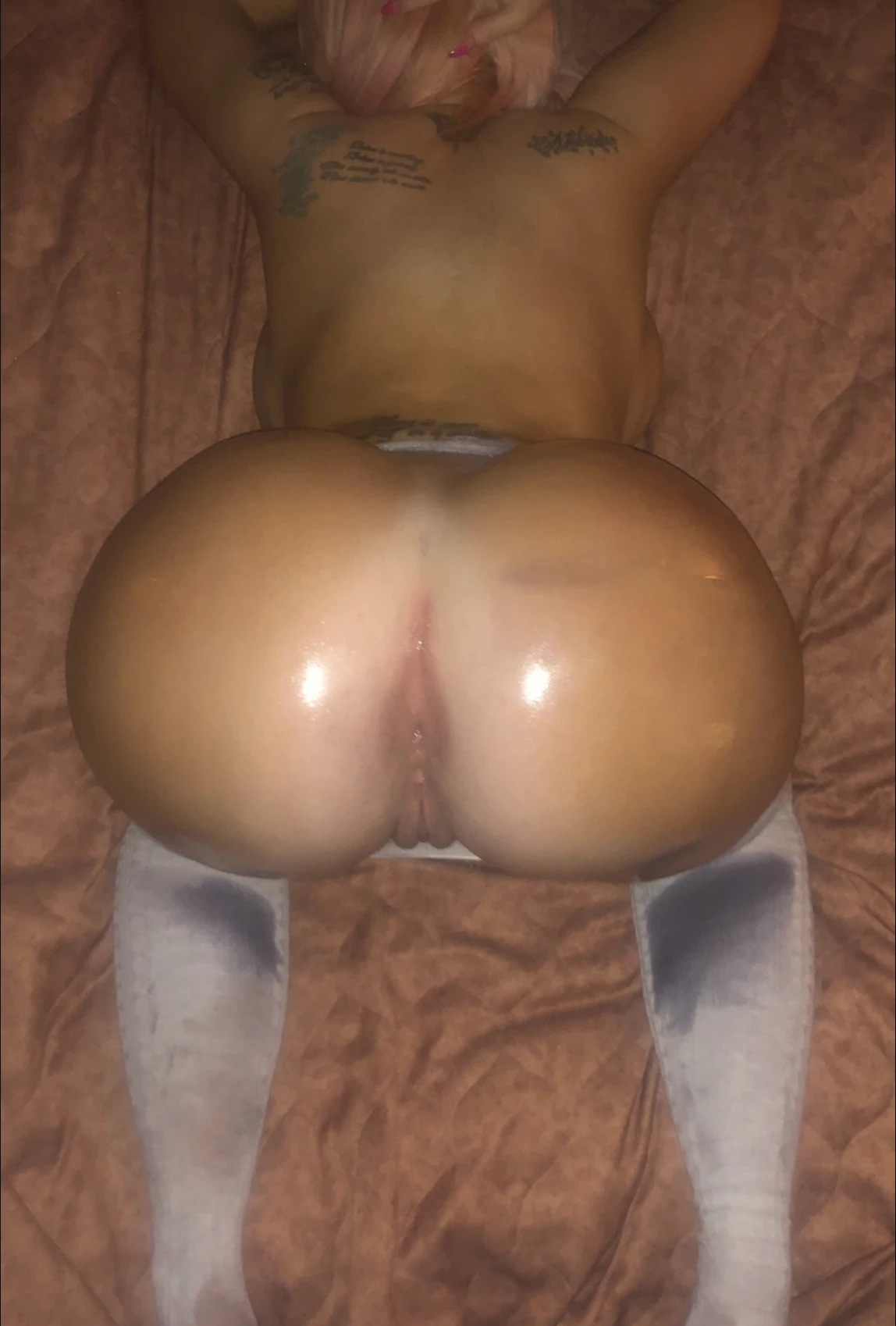
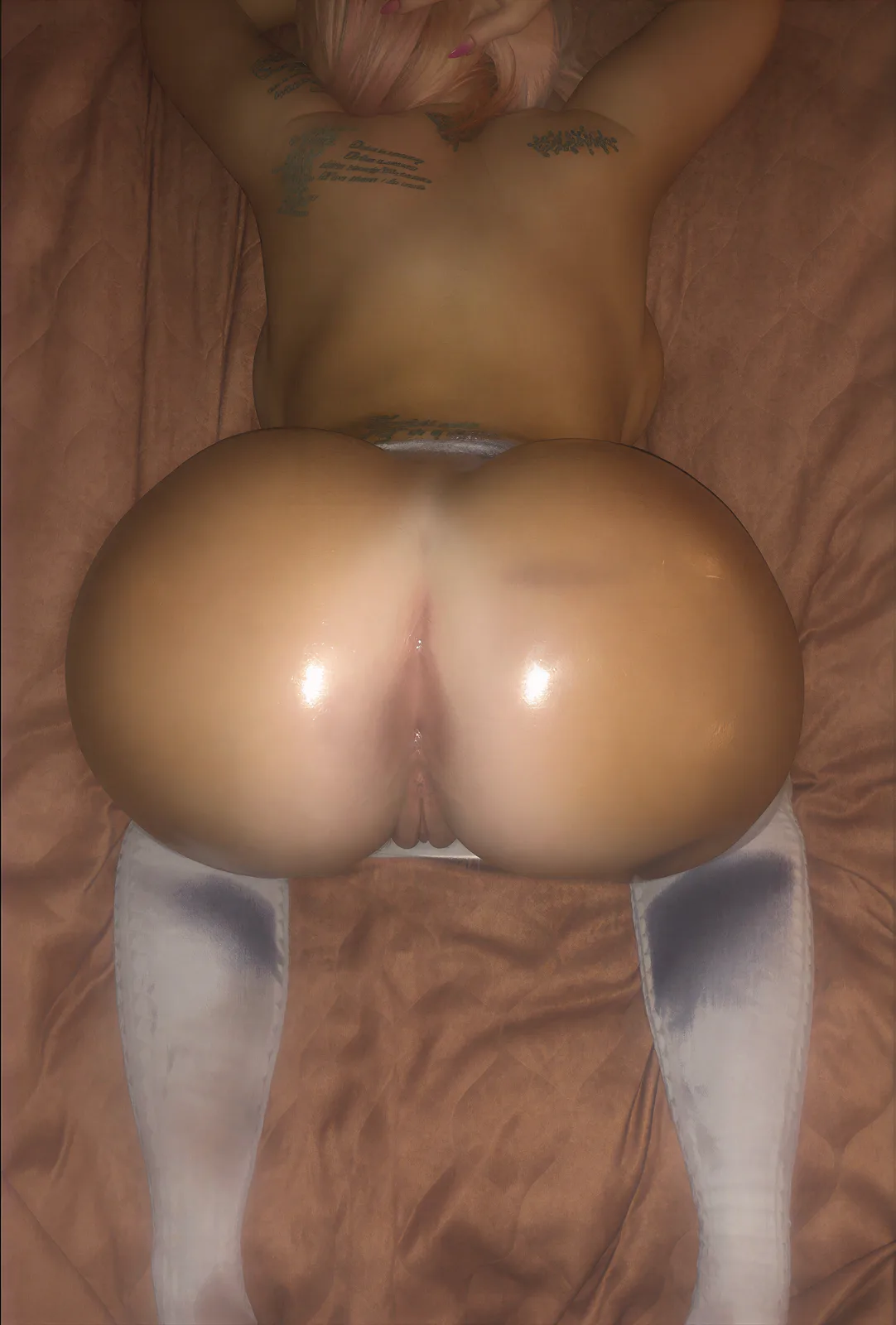
A dark phone photo whose noise reduction smoothed away most fine texture: script tattoos, pink hair and nails, an oily skin highlight, smooth skin, a satin bedspread and knit socks. The detail pass runs before the 4x by default on photos like this; it rebuilds nails, hair and edges, and redraws what is too soft to read, which we mark. The last two rows show what each tier would deliver without it.
Whole image: Original vs Premium
 100%
 100%
 100%
 100%
 100%
- PremiumChosen for this photo. Nails, hair and edges come out crisp and still match the original. The cost: the unreadable tattoo script is redrawn as crisp letters, and the satin gains a texture.
- FastCrisper than Fast without the detail pass, but the redrawn letters look embossed and the satin cracks.
- Premium without the detail passFaithful but soft: the phone's smoothing stays in the result.
- Fast without the detail passSoft and painted, with one invented glyph.
Measurements4 notes
- Why this photo gets the detail pass: shrinking it to a quarter and enlarging it back changes little (PSNR 45.9 dB on its detailed areas), because the phone's noise reduction smoothed the fine texture away. Premium alone keeps that smoothing; the detail pass rebuilds edges and strands before the 4x.
- Exact size: the upload was mirror-padded from 1148×1698 to 1152×1712 (the restorer works in 16 px steps), restored at 1x and cropped back to exactly 1148×1698, so the result is an exact 4x: 4592×6792.
- Redrawn detail, stated plainly: the tattoo script in the original is too soft to read. After the detail pass it is crisp, but its letters are the restorer's reading of a blur and may not match the real tattoo. The satin's veined texture and the specks around the highlight are added too.
- Tiers stay separate: each row runs one tier from start to end. The detail pass is the same step in both tiers: the whole-image restorer at 1x, at the upload's size.
What this comparison decided
- Photos like this get the detail pass by default. The phone smoothed the texture away (45.9 dB after shrinking to a quarter and back), so Premium without it keeps a soft, waxy look (the last rows).
- With the detail pass, nails, hair and edges come out crisp and still match the original, which is why it is part of the final result here.
- What it redraws: the tattoo script, too soft to read in the original, comes out as crisp letters that may not match the real tattoo, and the satin gains a veined texture. Our first rule is "nothing invented", and this is where the detail pass bends it: we show exactly where, so you can judge it yourself.
Comparison 8: a soft webcam frame
Soft webcam frame2610×1740 → 10368×6912 (3.97x in this test, 72 MP)
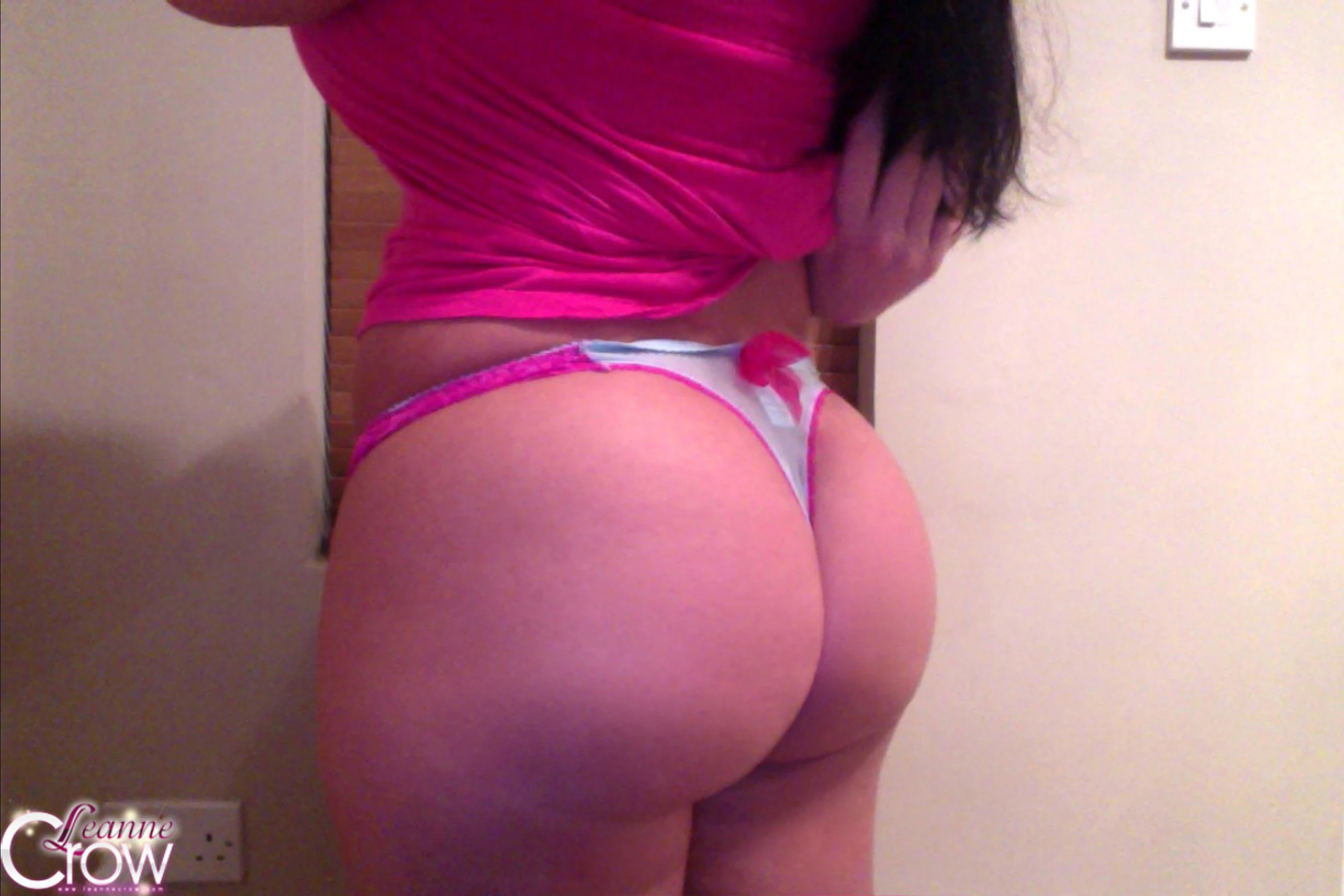
A soft frame that looks like a webcam capture enlarged before upload: a script watermark with a glow, dark hair, a hand, satin folds, a bow, a flat wall and a light switch. It holds far less detail than its size suggests, so the detail pass runs before the 4x by default. The last two rows show what each tier would deliver without it.
Whole image: Original vs Premium
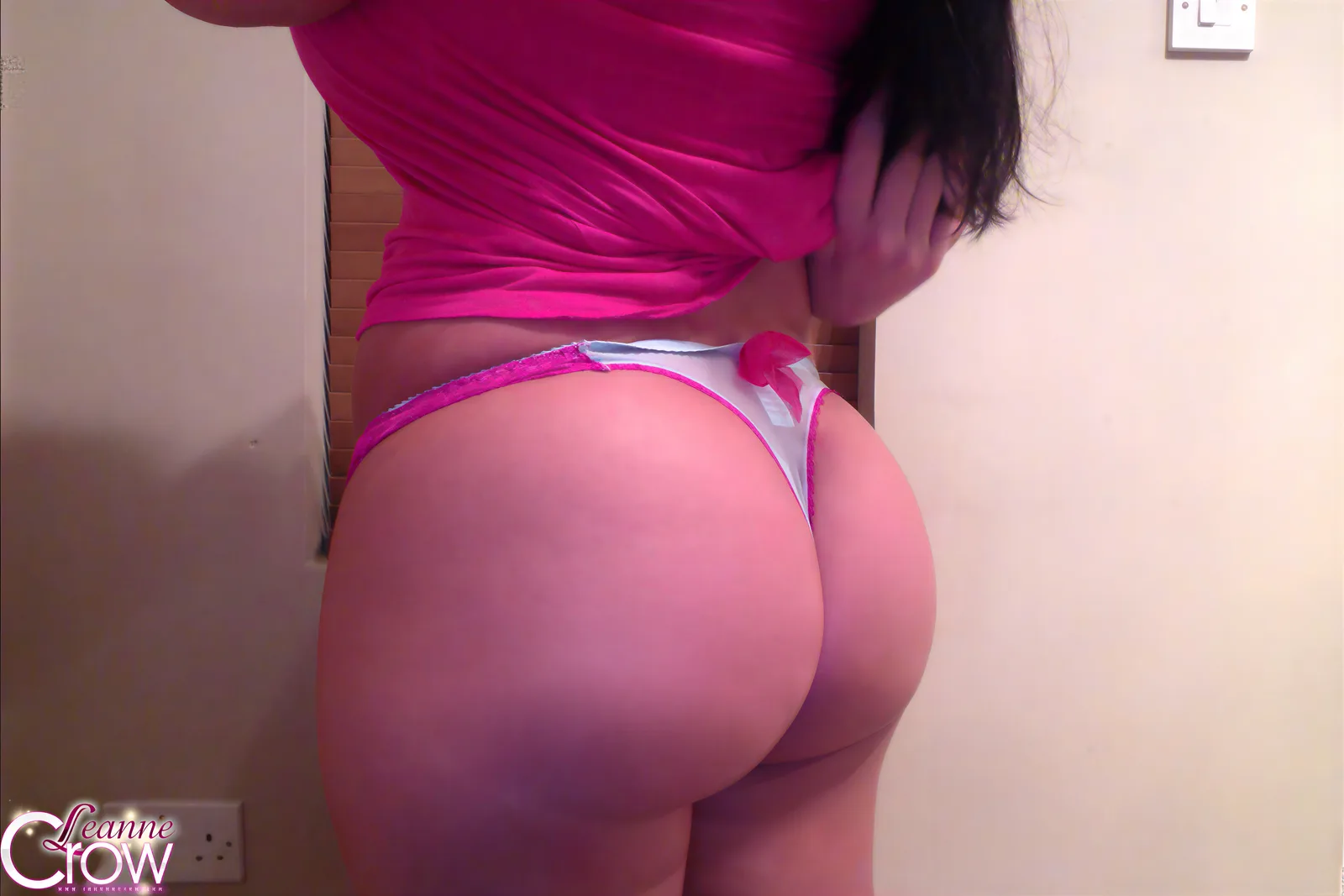
 100%
 100%
 100%
 100%
 100%
- PremiumCrisp in every region for the first time on this frame. One catch: flyaway hair strands on the wall that the original does not have.
- FastCrisp too, but simpler than Premium: smoother cloth and plainer edges.
- Premium without the detail passEnlarges the blur: every region stays soft.
- Fast without the detail passSoft, like Premium without the detail pass.
Measurements4 notes
- Why this frame gets the detail pass: shrinking it to a quarter and enlarging it back changes almost nothing (PSNR 50.8 dB on its detailed areas; 40 dB is already indistinguishable by eye). The 4.5 MP frame holds about 0.3 MP of real detail, so a 4x on its own sees blur 4 px wide and keeps it as intended softness.
- Size: in this test the detail pass rounded the frame to 2592×1728, because the restorer works in 16 px steps, so the result is 10368×6912, 3.97x. Padding the upload to the next 16 px step and cropping back keeps the result an exact 4x (see the dim phone photo).
- Tiers stay separate: each row runs one tier from start to end. The detail pass is the same step in both tiers: the whole-image restorer at 1x, at the upload's size.
- Colour: the upload carries a Display P3 profile. Every crop is shown in sRGB.
What this comparison decided
- A 4x alone cannot add detail to an image that was already enlarged. This 4.5 MP frame holds about 0.3 MP of real detail (50.8 dB after shrinking to a quarter and back); without the detail pass, both tiers only enlarge softness (the last rows).
- With the detail pass, which runs by default here, switch screws, fold ridges and bow edges come back in both tiers.
- What it adds: thin flyaway hair strands on the wall beside the hair, which the original does not have.
The detail pass: restore first, then upscale
Some uploads are larger than the detail they hold. A frame that was enlarged before upload, or a phone photo whose noise reduction smoothed the texture away, looks soft at any size, and a 4x on its own only enlarges that softness. For these images the pipeline adds one step before the 4x by default: the detail pass. The whole-image restorer runs at 1x, at the upload's own size, and rebuilds edges and texture the blur hides. The 4x then enlarges crisp content instead of blur.
Which images get it. We shrink the upload to a quarter of its size, enlarge it back, and compare the detailed areas with the original. If almost nothing changes (above about 45 dB), the upload holds much less detail than its size suggests. Until the threshold is proven on many more images, a person confirms each case.
The detail pass is the same step in both tiers. Fast runs its own 4x after it and Premium runs its own; neither tier's result is ever used for the other.
Where to see it. Comparisons 7 and 8 above are the two test images that get the detail pass: their Premium and Fast rows are the final results with it, and their last two rows show what each tier would have delivered without it.
Decisions we made
Honest 4x, always
Every Premium result is a real model output at the size you receive. We never upscale 2x and then stretch the image to call it 4x. The only resized image on this page is the "Original" row, enlarged with plain Lanczos resampling so you can compare it at the same size.
One native 4x pass for the whole image, not 2x twice
Running the whole image through a 2x step twice compounded texture: skin cracked, and a purple fringe appeared along edges. The whole image gets one native 4x step.
A bigger model was not better
We also tested a version of the whole-image restorer with 7 billion parameters instead of 3 billion. It took 2.6x longer and invented rings, scars and specks that are not in the original.
Faces get a dedicated restorer
The 4x step softens small faces. Premium finds each face (with its outline, eyes, pupils and lips), restores it with a second model built for fine structure, and blends only the face back in. That face model is run on the whole frame, because on a face crop alone it came out soft; we then keep only the face.
The blend never touches the rest of the image
The blend mask follows the face outline and closes over the brows. The fade is 20% of the face width and happens entirely inside the outline, and the colour is matched in the fade ring, so there is no tone step. On the natural photo, 0.91% of the frame changes; every other pixel is identical to the whole-image pass.
Tile sizes you cannot see
The face restorer works through the frame in 512 px tiles with 64 px of overlap. Larger 1024 px tiles broke faces into blocks; a wider 256 px overlap averaged the detail away and still looked patchy.
Exact 4x, even when the restorer rounds
The whole-image restorer works in steps of 16 px. When 4x an edge is not a multiple of 16, it rounds down and rescales the rest: in two of our tests the result came out 3.99x (4384×6946 instead of 4392×6960). Premium pads the upload to the next step and crops the result back, so what you receive is exactly 4x.
The face pass runs only on a real face
The face finder also reports faces that are upside down or mostly hidden. On one such photo the face pass changed 0.06% of the frame, nothing you could see. Premium runs the face pass only on a clearly visible, upright face.
Colours stay neutral
Premium keeps lips, eyes and skin in the same neutral colours as the original. Colour profiles embedded in your upload are honoured, so the result matches what you see in the original.
Where Premium still falls short
We list these openly, because a tool that hides its weak spots cannot be trusted on the rest:
- Out-of-focus areas stay soft. Premium follows the photo's depth of field, so blurred tiles or bricks stay blurred, where Fast sharpens them (outdoor photo).
- Smooth surfaces can gain invented texture: fibres on a printed towel, flecks in smeared paint, streaks around a skin highlight, and lace extended across a panel that only hints at it (outdoor photo, dim phone photo, upside-down face).
- Video compression noise turns into a pattern. Faint colour blotches on a wall become crisp pink dashes (video still).
- Already-enlarged or heavily smoothed images gain little from a 4x alone. The detail pass fixes most of it, but adds detail of its own: flyaway hair strands, and redrawn letters where text was too soft to read.
The Premium pipeline, step by step
- Colour. The upload is converted to sRGB, honouring any embedded colour profile.
- Whole-image restoration. A 3-billion-parameter one-step diffusion restorer produces the full 4x image in a single step. The image is encoded into a latent space 8x smaller per side; the encoder and decoder work in 512 px tiles.
- Face detection. Each face is located with its outline, eyes, pupils and lips.
- Face restoration. A 1.4-billion-parameter one-step restorer processes the frame at 4x in 512 px tiles with 64 px overlap, and the face region is cut from its result.
- Blend. The outline mask, extended 8% of the face height above the brows, with a 20% fade inside the outline and a colour match in the fade ring.
- Glow check. A segmentation mask of the person, and the fringe measured 1-12 px outside the edge. Removal runs only above the thresholds (0.15 at 2 px and 0.05 at 4 px), by un-mixing the person's colour from the background.
- Output. Exactly 4x the original width and height.
How long an order takes
Most orders hold ten images or more, so what matters is how long the whole order takes, not one image.
| Fast | Premium | |
|---|---|---|
| A typical order (10 images or more) | Minutes | Hours |
Every image in a Premium order goes through two large restoration models, and photos with faces get the face pass on top, so a typical order takes hours. Larger images and larger orders take longer; an order of a few small images is ready sooner. We are working on making Premium faster.
Questions
Is Premium really 4x?
Will Premium change the person's face?
Why is Fast sometimes crisper?
Why does a Premium order take hours?
My image is large but blurry. Will Premium help?
Will you test more images?
Examples from approved images
Original and enhanced pictures. Each caption describes the image and the work applied.
Loading comparisons…
